
Tracking Card Air (Google Find Hub)Updated 3 months ago
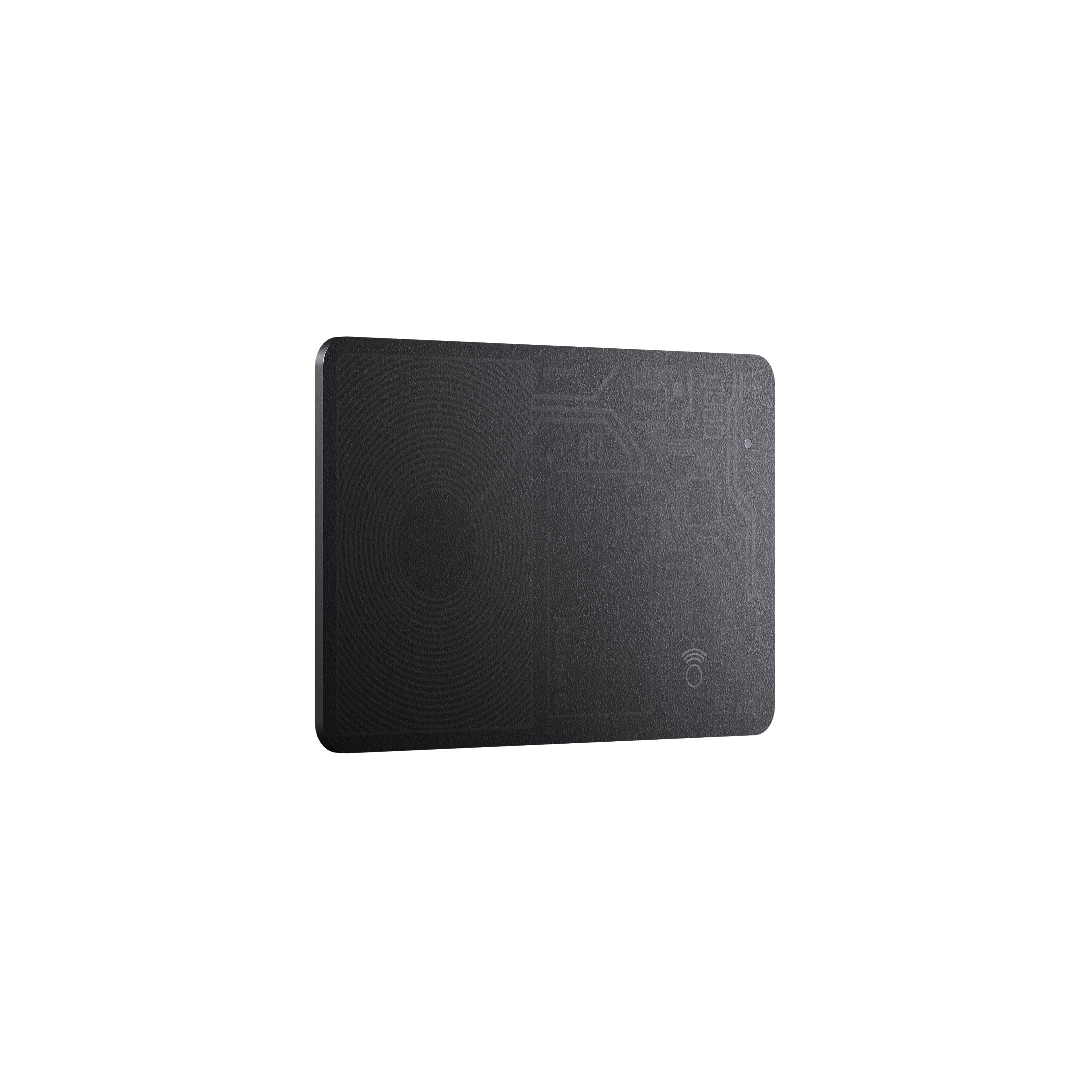 What's in the Box
Product Overview
- Slim polycarbonate body
- IPX7 waterproof and dustproof
- Locate with Google’s Find Hub app
- Rechargeable 150 mAh (3.7V) battery
- Lasts 7 months on a full charge
- Works with any Qi or MagSafe charger
Dimensions
- 86mm x 54mm x 2mm
- 12 grams
- As thin as 2 standard credit cards
Compatibility
- Sim design works in any wallet
- Works with Google's Find Hub app
- Wirelessly charges on any Qi charger (even upright models)
Charging Tips
Tracking Card Air will arrive without any juice. Align the card's circular graphic on any Qi charger for at least two hours, or until the LED indicator turns green, then follow the pairing steps in the 'Getting Started' section below. Note, when charging your Tracking Card Air, it may be slightly off center; this is normal!
There's a small LED indicator that indicates the card's status on the top corner of Tracking Card Air:
- A red light indicates that Tracking Card Air is charging
- A green light indicates that it's fully charged
- A blue light indicates that it's in pairing mode
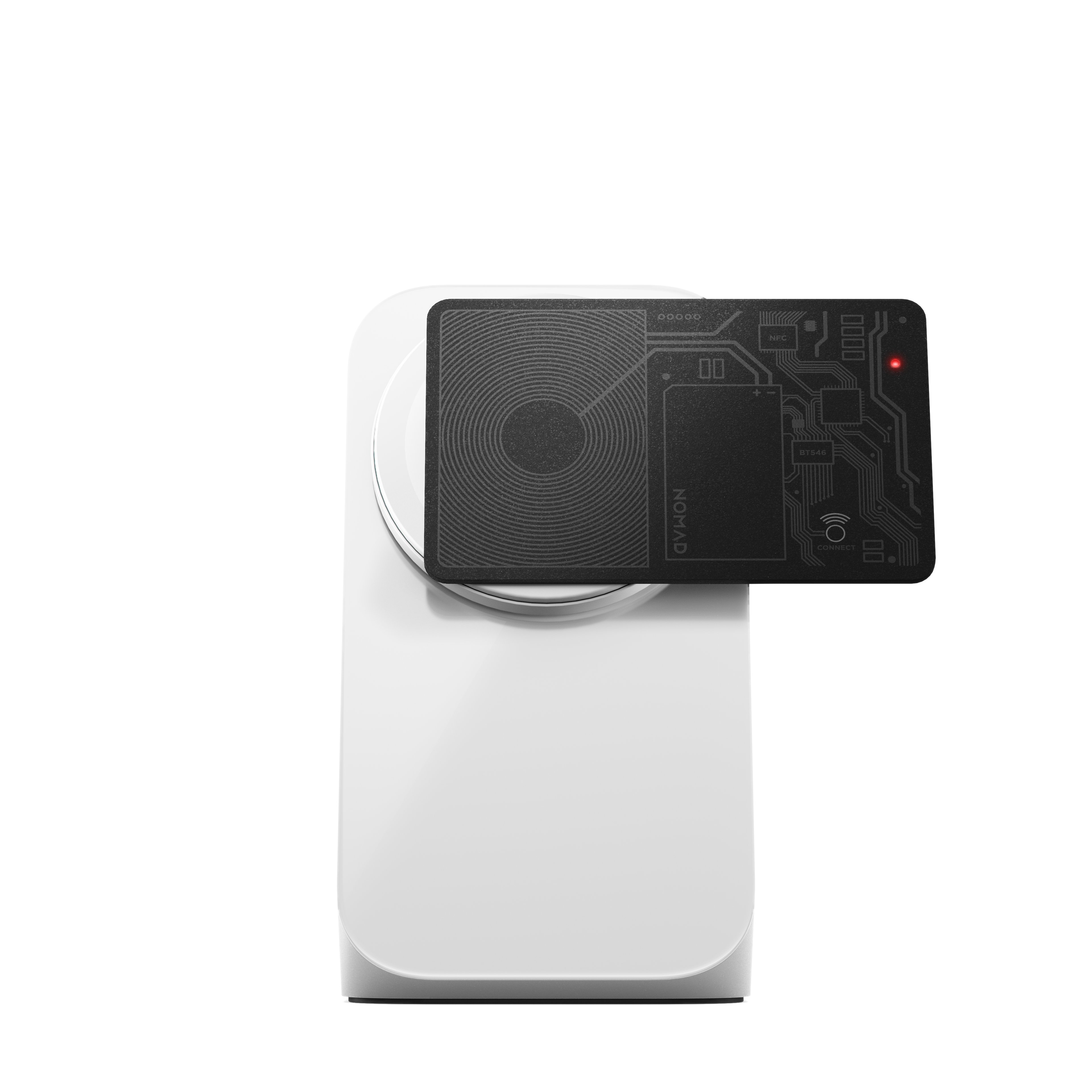 Tracking Card Air charging upright on Stand One.
Getting Started
To connect Tracking Card Air to the Google Find Hub app, follow the steps below.
- Press and release the Connect button to activate Tracking Card Air.
- Open the Google Find Hub app on your Android device, tap the "+" and select "Add Other Item" from the dropdown menu.
- Tracking Card Air will appear on the screen. Tap to connect and set a custom name and icon for your card.
- When tracking your card is paired, it will emit a sound at approximately 94.4dB. The volume of this sound may vary depending on how far away you are from your wallet and what other items are inside it. Please note, the volume of the sound cannot be turned up or down from either the Tracking Card Air or the Google Find Hub app.
To remove Tracking Card Air from your Google Find Hub device list, follow the steps below.
- Open the Google Find Hub app, navigate to the "Items" tab, and tap your Tracking Card Air.
- Scroll to the bottom of the Item Detail card, tap "Remove Item," and follow instructions.
Troubleshooting Tips
Most issues with Tracking Card Air can be resolved by performing a factory reset. To reset your Tracking Card Air, follow the steps below.
- Open the Google Find Hub app, navigate to the "Items" tab, and tap your Tracking Card Air.
- Scroll to the bottom of the Item Detail card, tap "Remove Item," and follow instructions.
- On the Tracking Card, press the Connect button 5 times quickly and hold the button on the 5th press.
- Your Tracking Card will play a tune and perform the reset.
Once you've performed the reset, you'll need to reconnect your Tracking Card Air to the Google Find Hub app (see "Getting Started" section above).
More questions? Check out these FAQs.
- Can I fly with Tracking Card Air? Yes! Tracking Card Air is TSA and FAA approved, so it's safe to bring through security and on board.
- Does Tracking Card Air support RFID-blocking wallets? Most RFID-blocking wallets contain metal components, which can interfere with Bluetooth connections. Since Tracking Card Air relies on Bluetooth, it will likely experience interference when used with RFID-blocking accessories.
- Does Tracking Card Air make a sound when being tracked? Tracking Card Air will ping when being tracked from the Google Find Hub app. Its emits sound at approximately 94.4dB, though the volume of this sound may vary depending on how far away you are from your wallet and what other items are inside it. Please note, the volume of the sound cannot be turned up or down from either the Tracking Card or the Google Find Hub app.
- Where should I put Tracking Card Air in my wallet? You can place your Tracking Card anywhere in your wallet. It doesn't matter which side faces "outward."
- How do I charge my Tracking Card Air? How do I check its battery level? To charge Tracking Card Air, place it on any Qi charger. The small circular light on the top right corner will turn green once the card is fully charged. To check your Tracking Card Air's battery percentage, navigate to the device in the Google Find Hub app.
- How often does its location update? Tracking Card Air will update every few minutes when in Bluetooth range of another Android device!
- How tough is Tracking Card Air? Tracking Card Air is pretty heavy duty. Its polycarbonate body protects against drops up to 15 feet and it's waterproof and dustproof so you can adventure with confidence.
Warranty
At Nomad, we offer a 2-year limited warranty on all our products. This warranty covers manufacturing defects and workmanship issues but doesn’t cover:
Normal wear and tear
Misuse or abuse of the product
Modifications made to the product
If your Nomad product is found to be defective, we’ll exchange it for a brand-new replacement. However, we cannot guarantee that the exact style or product will be in stock at the time of your claim. If a replacement isn’t available, we’ll provide a store credit instead. This store credit never expires and can be used toward any product on our website.
Nomad is not responsible for any damages resulting from the use of our products. Additionally, our warranty does not cover the repair or replacement of electronic devices or other personal property.
Check out our Warranty Policy for more information.